
Operations
Paper registers vs QR check-in
Kasratify team14 August 20264 min read
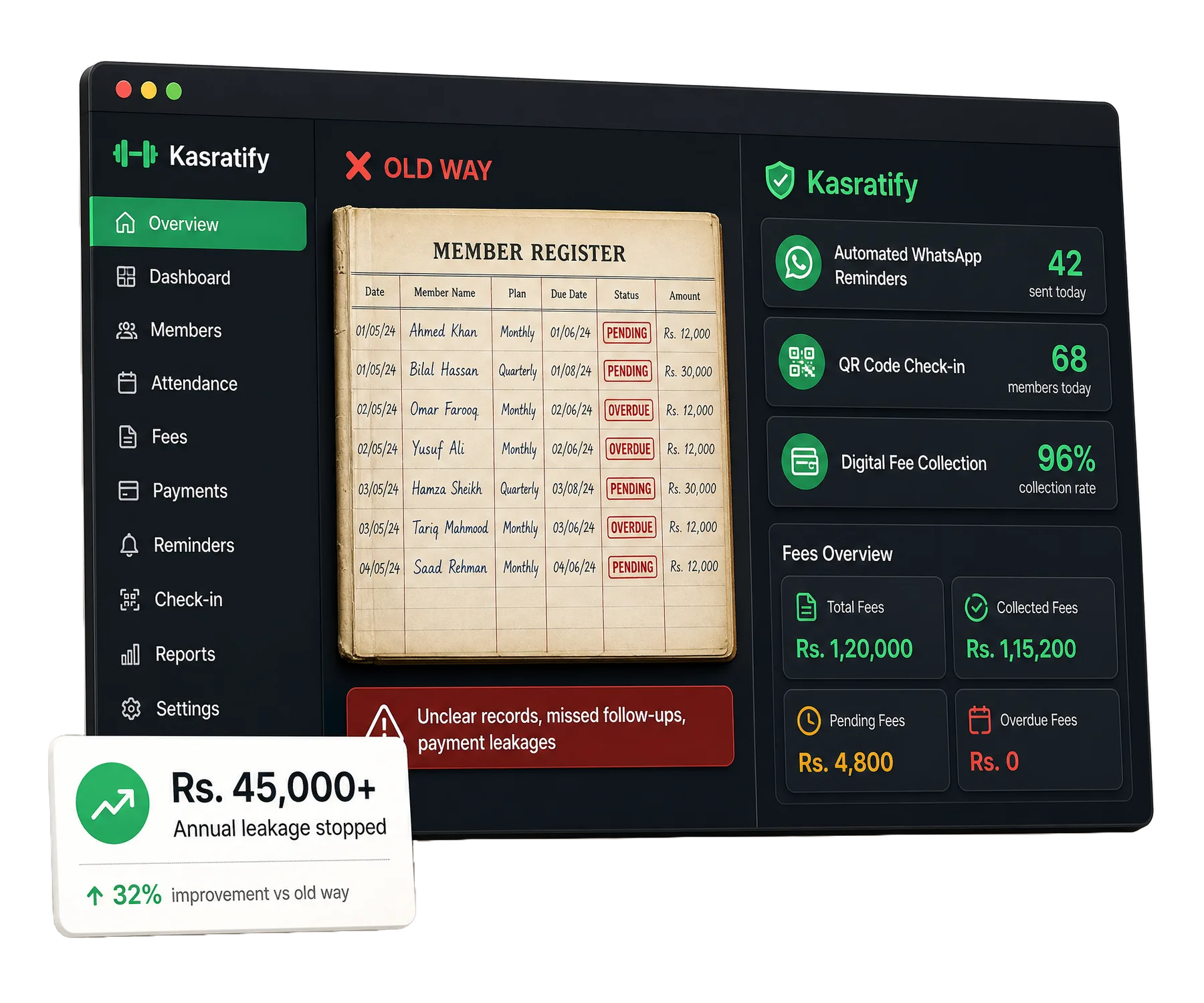
Most neighbourhood gyms in Pakistan still keep a thick register on the front desk for names, numbers and daily entries. It works until the gym grows, and then it quietly becomes the weakest part of the business.
What a register can't do
- Check who is allowed in. Staff can't confirm a member's status while they're still writing the previous entry, so people walk straight past.
- Survive an accident. One spilled drink or lost notebook can wipe out years of member and payment history.
- Answer simple questions. Finding out how often a member came last month means flipping through pages by hand.
How QR check-in works
Each member gets a personal QR pass on WhatsApp. At the counter, it takes one scan.
One scan at the counter
The member scans their pass at the desk tablet or scanner. The visit is logged with the time, with nothing to write down.
The desk sees status instantly
The screen shows the member's photo, package and any balance. Paid members go straight in. An expired pass shows a clear red alert, so staff can collect before the session starts.
The short version
Moving from a register to QR check-in saves the front desk hours every week, protects your records, and turns the entrance into the place where fees get collected.
Replace your register this week
We'll import your members and set up QR check-in for you. Free for 14 days.